Blog
-
Apache Log4j 2.16.0 is now available Apache Log4j 2.16.0 Is Now Available – Critical Update Required A new follow-on vulnerability in Log4j has been discovered and fixed in version 2.16.0, addressing CVE-2021-44228 and CVE-2021-45046. If you’re still using version 2.15.0 or earlier, your applications may remain vulnerable in certain non-default configurations. This is is a…
-
Note: Check out my latest blog for updated information and solutions on this issue: Log4j 2.16.0 Fixes Critical Vulnerabilities: What You Need to Know The best evidence I have seen so far is that of a little bobby table LinkedIn exploit 🫣 Overview: What Is the Log4J Zero-Day Exploit (CVE-2021-44228)? A critical zero-day exploit affecting the…
-
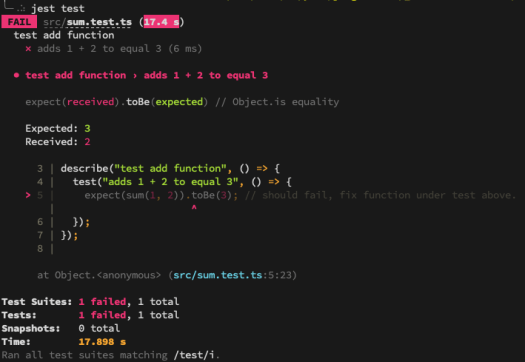
Setting up Jest for TypeScript testing in React and NodeJS can streamline your development workflow and ensure high-quality code. This guide provides an opinionated, step-by-step process for configuring Jest with TypeScript support, whether you’re working on new or existing projects. 1. Install Jest and Its Friends (Dependencies) Start by installing the necessary Jest packages along…
-
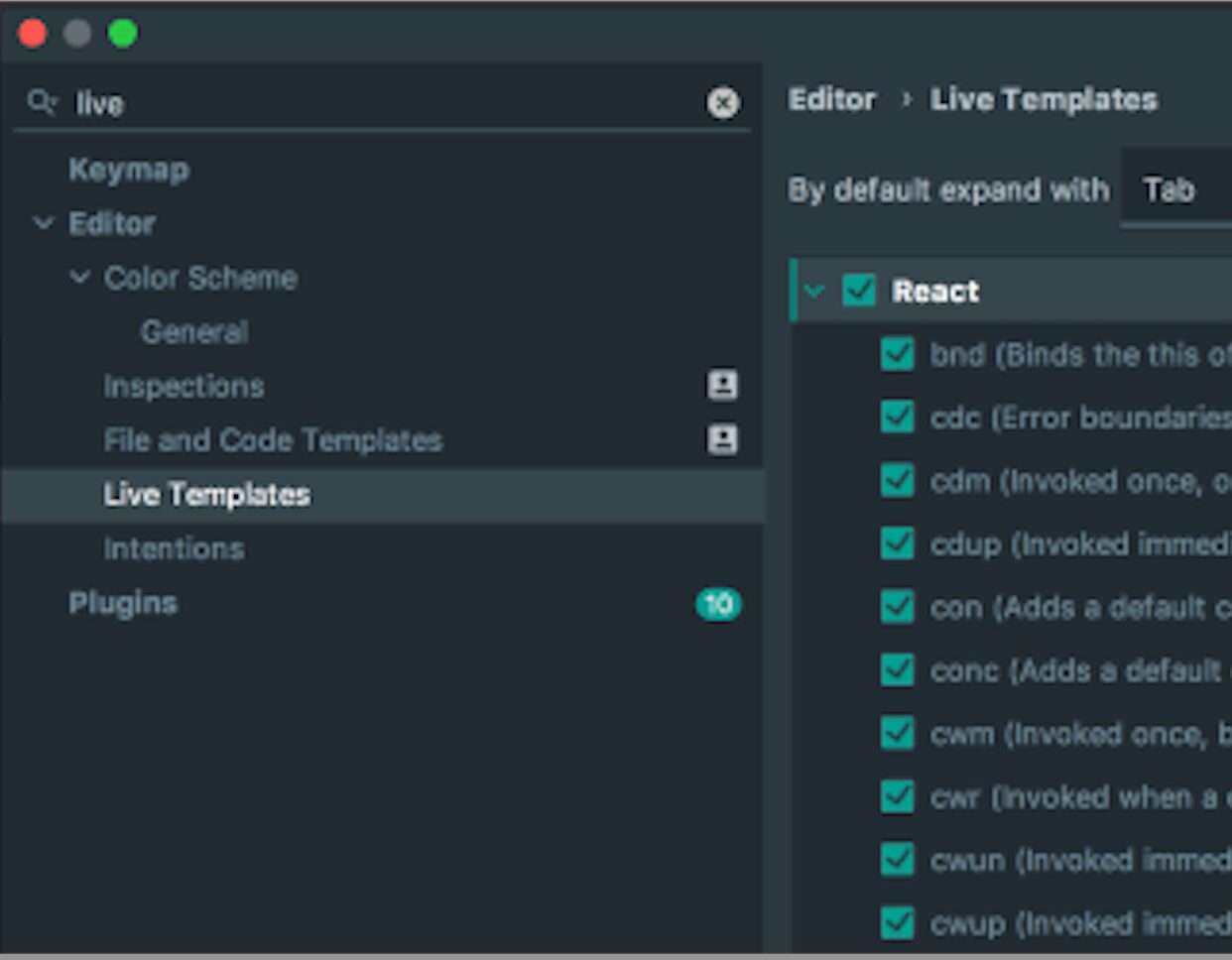
If you’re a fan of automation (and who isn’t?), IntelliJ IDEA’s code snippets are a game-changer for React development. As a Java developer diving into React, I’ve found these snippets invaluable for reducing typos, boilerplate, and the dreaded RSI (Repetitive Strain Injury). This guide walks you through generating React components using IntelliJ IDEA’s live templates,…
-
Migrating from JUnit 4 to JUnit 5 (Jupiter) can feel daunting, especially if your project is built on older versions of Spring Boot. This guide breaks down the process step-by-step, helping you navigate dependency adjustments, IDE tweaks, and annotation replacements. Prerequisite: Spring Boot Compatibility Before starting, note that the SpringExtension required for JUnit 5 is…

-
GraphDB connectors allow you to leverage Elasticsearch’s full-text search capabilities for enhanced semantic search. In this guide, we’ll configure a GraphDB connector for Elasticsearch, execute SPARQL queries, and demonstrate debugging techniques to ensure seamless integration. Pre-requisites Before diving into the setup, ensure the following are in place: Step 1: Prepare GraphDB Step 2: Create Elasticsearch…

-
TypeScript has become the de facto language for Angular development, and for good reason—it’s easy to learn, strongly typed, and less error-prone than JavaScript. But what if you prefer Java for its mature tooling, strong object-oriented features, and familiarity? Enter Angular2Boot—a framework built on Angular 2, GWT, and Spring Boot that lets you write Angular…

-
By now, we’ve all seen this coming. With MongoDB falling victim to ransomware attacks, other NoSQL technologies like Elasticsearch were bound to follow. The alarming truth? Many Elasticsearch clusters are still open to the internet, vulnerable to attackers exploiting weak security practices, default configurations, and exposed ports. This guide covers essential steps to protect your…

-
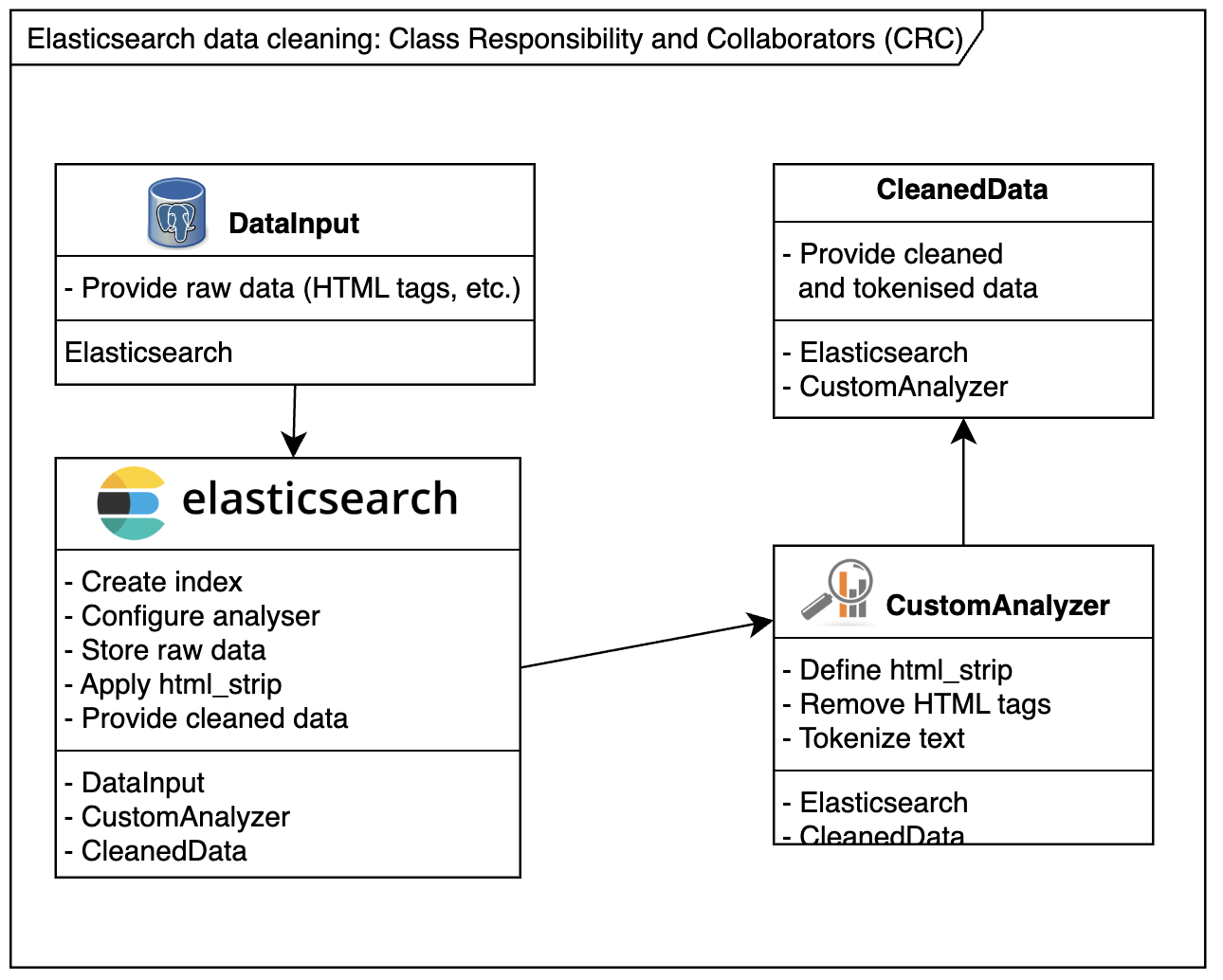
When dealing with Elasticsearch, sometimes you can’t control the format of incoming data. For instance, HTML tags may slip into your Elasticsearch index, creating unintended or unpredictable search results. Example Scenario:Consider the following HTML snippet indexed into Elasticsearch: A search for somedomain might match the above link 🫣, but users rarely expect that. To avoid…
-
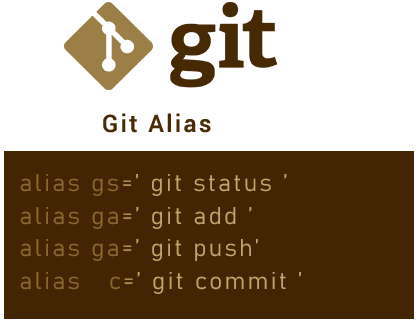
Git is an indispensable tool for developers, but typing repetitive commands can slow you down. With Git aliases, you can create short and intuitive commands to streamline your workflow. Here’s how to configure your Git aliases for maximum efficiency. Step 1: Edit Your .gitconfig File Your .gitconfig file is typically located in your $HOME directory.…